



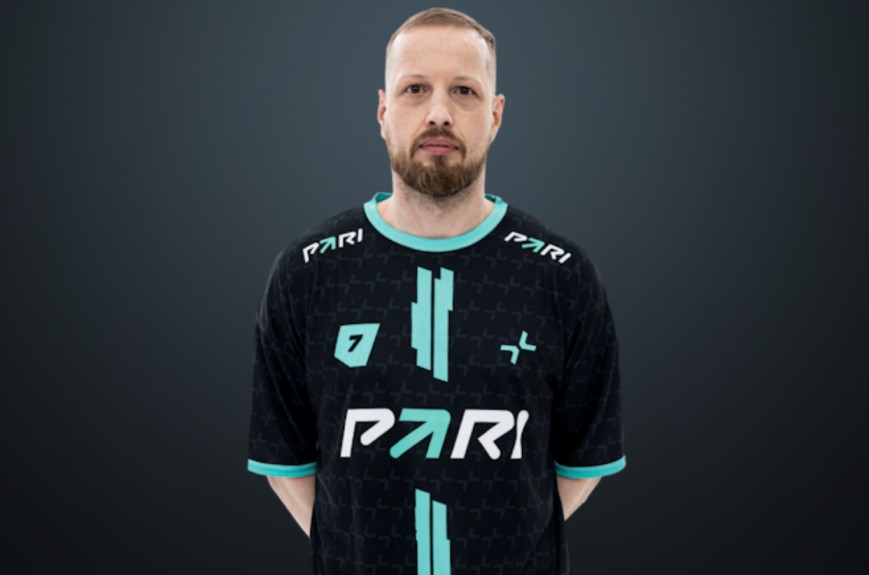
However, as it turns out, F_1N has been unbanned for quite some time now after successfully appealing the decision, meaning that his presence on PARAVISION was far from illegitimate. Unfortunately, due to miscommunication between ESIC, Valve and Perfect World, PARAVISION was disqualification over outdated facts, a decision that now been promptly reversed.
What has been the aftermath?
Evidently, the situation that has transpired has not been a good-look for the organizers, including ESIC. According to HLTV, ESIC denied the fact that they directly reduced F_1N’s ban, but instead that “an Independent Appeal Panel (independent of ESIC) has recently both accepted and made a decision with respect to a significantly out of time appeal by F_1N and communicated the same to Valve.”
However, even though F_1N’s demerit points were updated, the decision did not reach Valve. In this respect, ESIC commented: “It seems that Perfect World was not aware of F_1N’s appeal to ESIC’s independent appeal panel when making their decision to disqualify the team “PARIVISION”. Perfect World has recently reached out to ESIC to confirm the details of the appeal and the decision made."
With an official statement from ESIC still pending, it is safe to say that PARAVISION will be competing in the upcoming Major. Furthermore, the remake qualifiers that were expected to happen today between three teams (BLEED, KOI and Monte) have also been cancelled, crushing their dreams of participating in the Major, much less winning it, once more. All in all, many people, from fans to professional players, have been impacted negatively by the mishandling of the situation.

Rollbit is an awesome crypto-casino where you can win big money playing casino games, trade crypto, buy and sell NFTs, and place sports bets. Sounds really tempting, and anyone who hasn't tried it yet is probably itching to test their luck on Rollbit. But how can people in the USA use this platform, and what should you do if you face access restrictions? Spoiler: there's a solution!
Are you on the lookout for the 7 cheapest Rust skins in 2026? This guide’s got you covered with top picks, and tips tailored for gamers, especially CS2 fans. Expect a fun, laid-back vibe as we dive into budget-friendly skins, where to snag them, and how to pick the best.




![Top 7 Most Expensive Skins in CS2 in [year]](/imgs/news_7956/20241010/cache/1728558761_abfb599fa034d44d7f54___308_174.jpg "Top 7 Most Expensive Skins in CS2 in [year]")
![Complete CS2 Console Commands Guide in [year]](/imgs/news_8137/20250221/cache/1740129286_85c513dbe4d81658a4fe___308_174.jpg "Complete CS2 Console Commands Guide in [year]")
![What Are the 7 Cheapest Rust Skins in [year]?](/imgs/news_8187/20250409/cache/1744206220_d907ec12798167979171___308_174.jpg "What Are the 7 Cheapest Rust Skins in [year]?")