



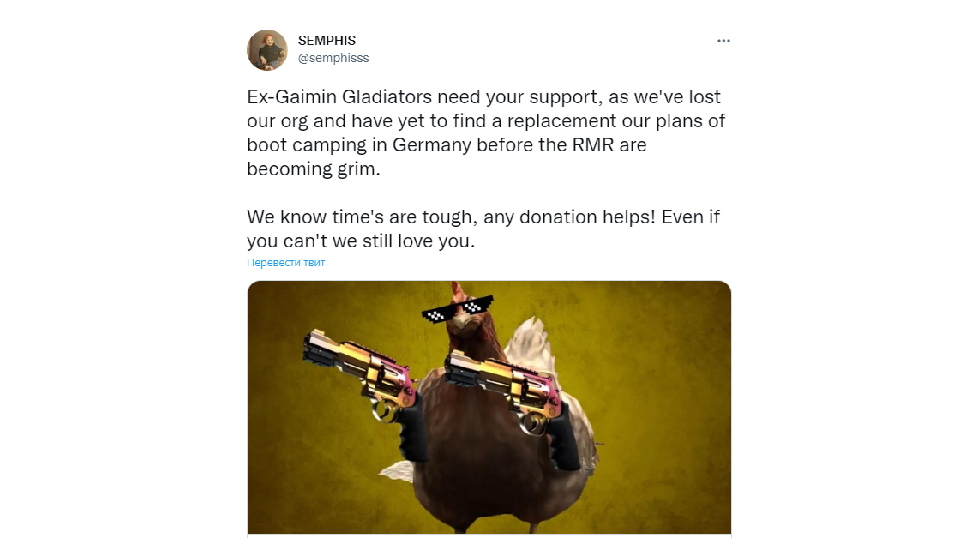
As Semphis noted on Twitter, the team does not require money from the fans, however, additional funds will help the team develop. The former Gaimin Gladiators roster is planning a maximum budget bootcamp, but the transfer to Europe itself will cost a lot for the US roster.
Ex-Gaimin Gladiators need your support, as we've lost our org and have yet to find a replacement our plans of boot camping in Germany before the RMR are becoming grim. We know time's are tough, any donation helps! Even if you can't we still love you.
Team Semphis qualified for the American tournament of the RMR series before IEM Rio Major 2022, taking second place in the first open qualifier. Immediately after that, the team stopped working with the Gaimin Gladiators organization and began looking for a new sponsor.
Making money from CS2 skins involves Valve selecting the best Workshop designs for official cases. As a creator, you then receive a slice of key sales and market trades. This roughly ten percent cut means your artwork can pay off, and this guide explains how Valve compensates its creators.
Gamdom is an online crypto casino and betting site where you can play all sorts of casino games. Some versions of the platform also let you bet on sports or esports. Because it involves real money and crypto, a lot of people naturally want to know if it’s legit, who runs it, and whether they can even use it in their country.
It’s worth noting that Gamdom isn’t available everywhere. Before signing up or putting in any money, you should check your local laws and Gamdom’s own rules. And like with any gambling, there’s a real risk of losing money, so it’s best to think of it as entertainment, not a way to make cash.



![CS2 Hacks in [year]](/imgs/news_8141/20250225/cache/1740476751_5124a41a7ee889d762d0___308_174.jpg "CS2 Hacks in [year]")

![What Is Gamdom? Legitimacy, Ownership & Availability Guide ([year])](/imgs/news_8707/20260518/cache/1779104224_0fe055d4485597332592___308_174.png "What Is Gamdom? Legitimacy, Ownership & Availability Guide ([year])")