


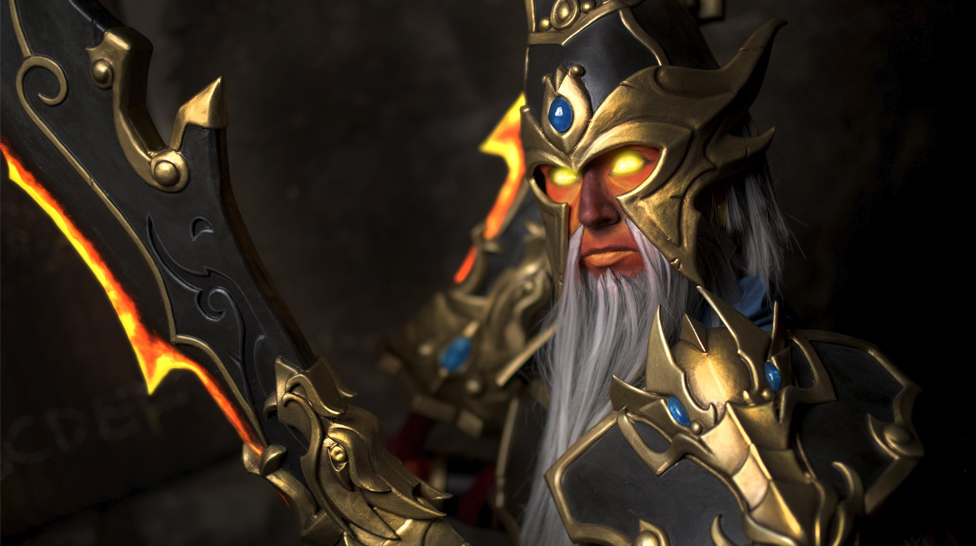

Cosplay by rehabgnaked. Find more awesome materials on Cyber-sport.io
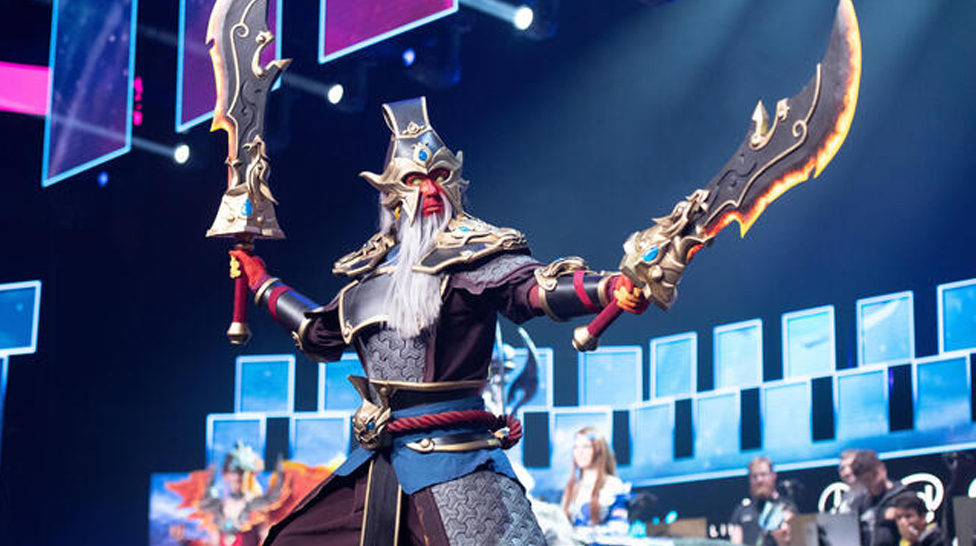
Ember Spirit, as well as Brewmaster, Storm Spirit and Earth Spirit, were Pandaren in DotA. They were remade to avoid copyright conflicts with Blizzard, as the Pandaren are a race in the World of Warcraft.
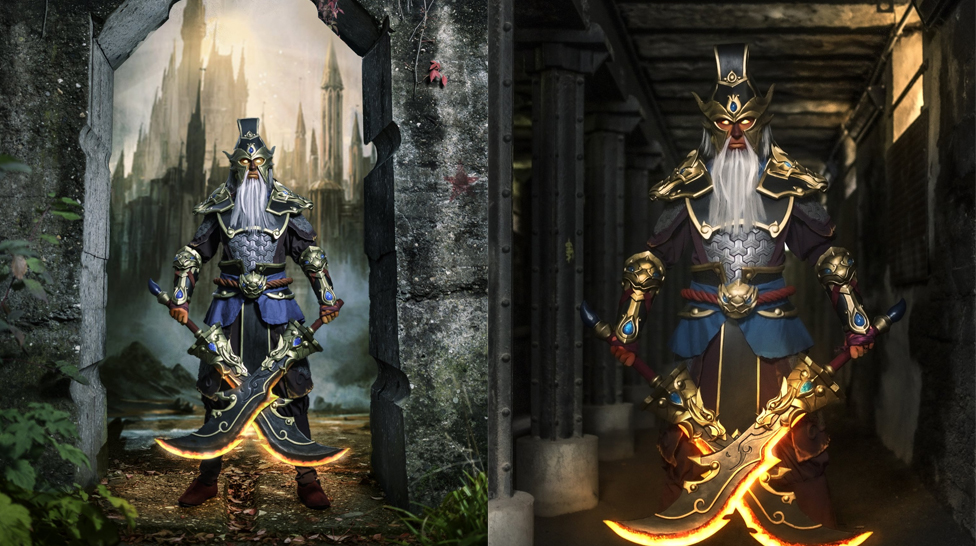
Most Ember Spirit lines are only 4 words long. Zin says about himself: "Four words is plenty.".

A pair of relic Divine Rapiers were kept in the Fortress of Rogue Flame, and when Sin took them back to himself, they showed their true power.
One of the most popular loyalty features on the platform is the KeyDrop Daily Case, which gives users the opportunity to obtain skins, gold, or account balance every day without making a direct purchase. But the system is controlled by particular XP levels, cooldown timers, and verification procedures; it's not just a "click and win" button.
This guide covers how the Daily Case system operates, why your case could be locked, and how to get the most out of your prizes as you advance through the KeyDrop levels.
CS2 cheats have been popular for a long time. They give users various advantages, changing their gameplay by allowing them to customize certain factors like safety and performance. But unless you’ve used cheats for a while or are present on many social media channels focusing on the game, you will not know which CS2 cheats are the best. But don’t worry about it – we’ve compiled a list of the best cheats you can use in CS2 this year so you can enjoy your game to the fullest like never before. Let’s get started!


![Is KeyDrop Legit? Safety, Fairness & Trust Guide ([year])](/imgs/news_8556/20260202/cache/1770023621_90c443e9af7941f3469b___308_174.jpg "Is KeyDrop Legit? Safety, Fairness & Trust Guide ([year])")
![CS2 Rank Distribution in [year]](/imgs/news_7959/20241011/cache/1728647520_6b5a528dc8c6fd1dcfb1___308_174.jpg "CS2 Rank Distribution in [year]")
![Top 5 CS2 Cheats in [year]](/imgs/news_8003/20241107/cache/1730975319_fad9f983f190c7d75fc0___308_174.jpg "Top 5 CS2 Cheats in [year]")