




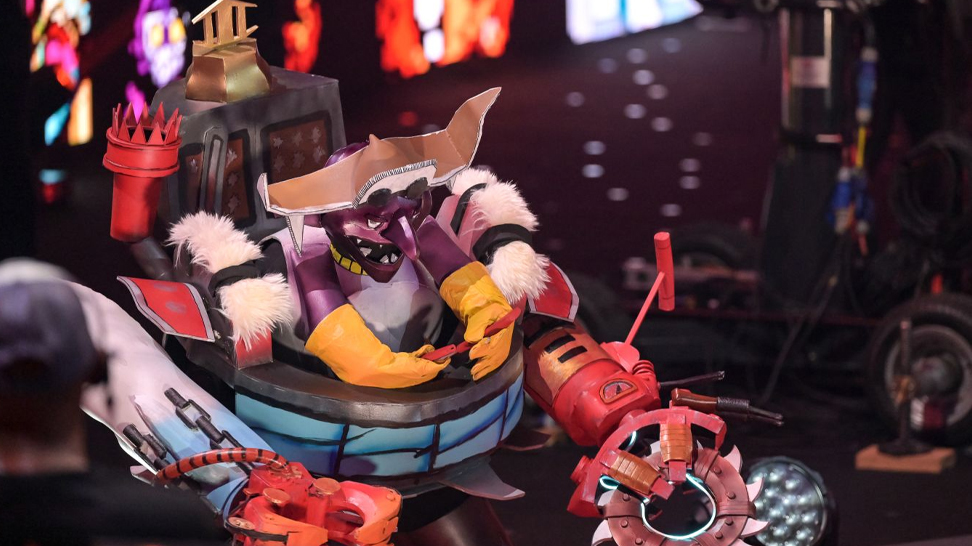
However, cosplayers costumed as Dota 2 heroes took over the stage for the cosplay competition before the evening's concluding event. These costumed people, such as Rubick and the Fire Spirit, dazzled with their exquisitely made and minutely detailed creations.
The greatest costume of the yearly competition was an Ember Spirit cosplayer who lit up the TI11 stage. During the TI11 cosplay competition, which took place on October 29 during the finals weekend, Shabaz displayed his absurd outfit at Singapore Indoor Stadium. Shabaz received $15,000 in prizes from the cosplay competition.
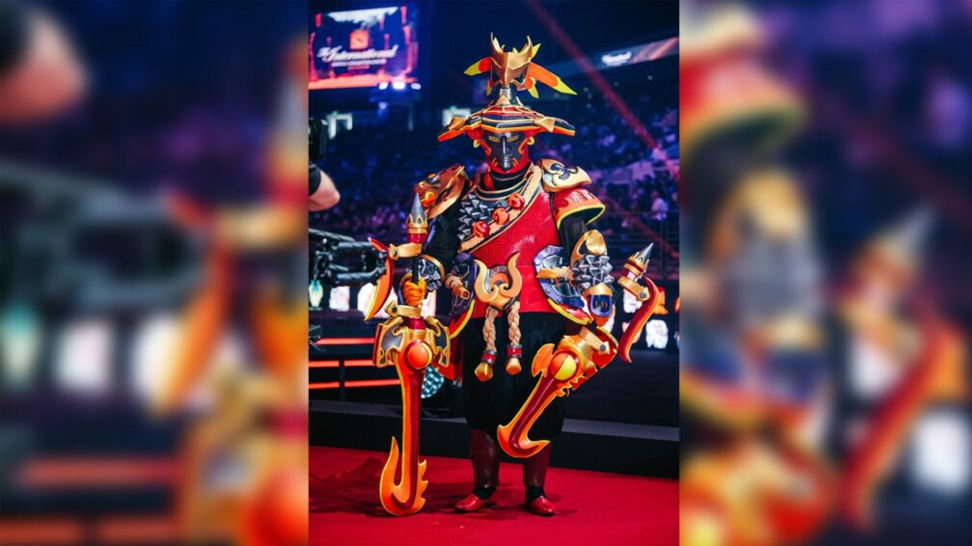
In addition to being the event star, Arty.ficer x Aviantese's Rubick cosplay earned the Best Technique award for its crisp and accurate portrayal of the Grand Magus.
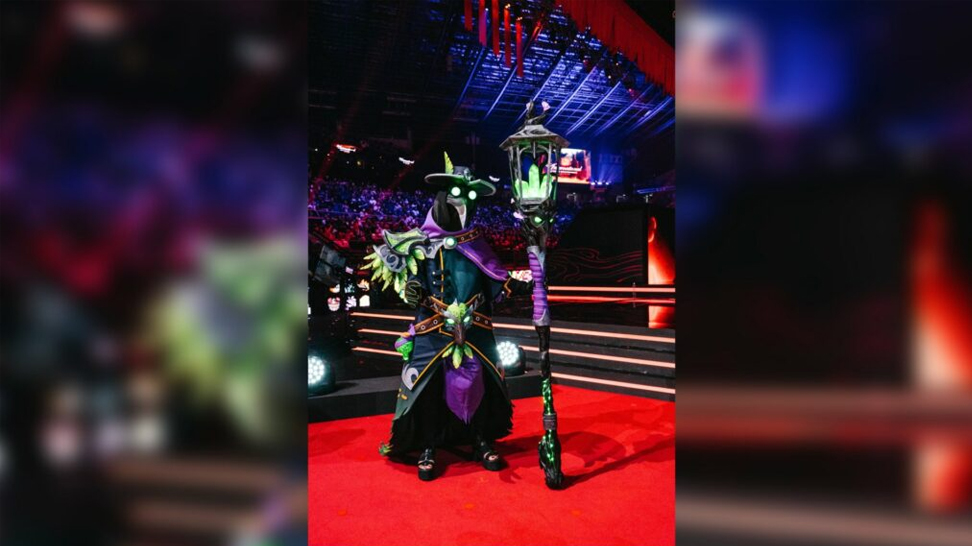
Atty.ficer x Aviantese, Mizuki Otawa, and Hadi Aker took home $1,500 each for their unique costumes of Defense of the Ancients heroes.
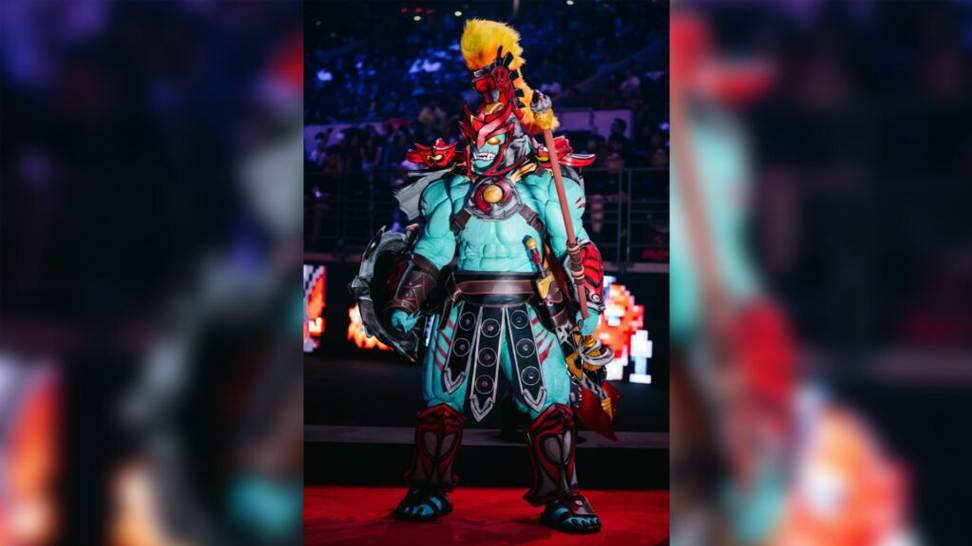
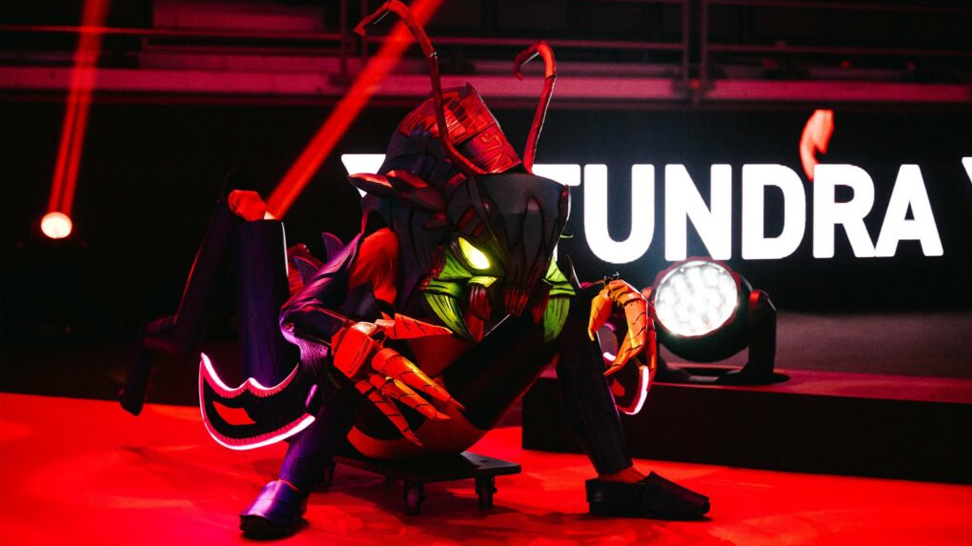

What is your favourite TI11 cosplay? Share your experience with Cyber-sport.io. Subscribe and follow the latest eSports news!
Knives are some of the most valuable items in CS2. They are a favorite option for anyone who plays the game regularly. While some use them merely as a cosmetic improvement to their weapons, others prefer to get them to create a valuable collection. Having the most expensive CS2 knife in your arsenal can give you a feeling of pride, especially knowing everyone will admire it and probably ask you if you’re thinking of selling it. But what is the most expensive knife in CS2? This post will reveal the priciest options, so let’s get started.
To withdraw skins from Hellcase, players send trade requests directly from Hellcase to their Steam inventory. Hellcase doesn't do direct money transfers. To withdraw your cash from Hellcase, you'll need to use one of the many partnered third-party websites like ShadowPay. Both processes work as long as you follow the Steam trading rules, you have the right items, and your account is configured correctly.



![Best Cases to Open in CS2 in [year]](/imgs/news_8150/20250304/cache/1741088441_3b891fce289b067982c6___308_174.jpg "Best Cases to Open in CS2 in [year]")

![How to Withdraw Money & Skins from Hellcase: [year] Guide](/imgs/news_8527/20260114/cache/1768392230_15189d4fe9e844e0d85d___308_174.jpg "How to Withdraw Money & Skins from Hellcase: [year] Guide")