

Counter-Strike 2 entirely replaced CS:GO on Steam in 2023, but fortunately, your CS:GO items carried over to CS2. That switch initially confused many people, but this guide keeps it practical covering where you can sell today, the actual fees, how trade holds work, and what trade protection means in 2026.
![How to Sell CS2 Skins [year]: Safe Methods, Fees & Trade Holds](/imgs/news_5086/20251003/1759498660_1803122a53a64c26b83e.jpg)

A quick reality check first, there’s no single “best” method. It depends on whether you want a Steam wallet balance which is good for buying games/items or cash outside Steam. It also depends on your risk tolerance.
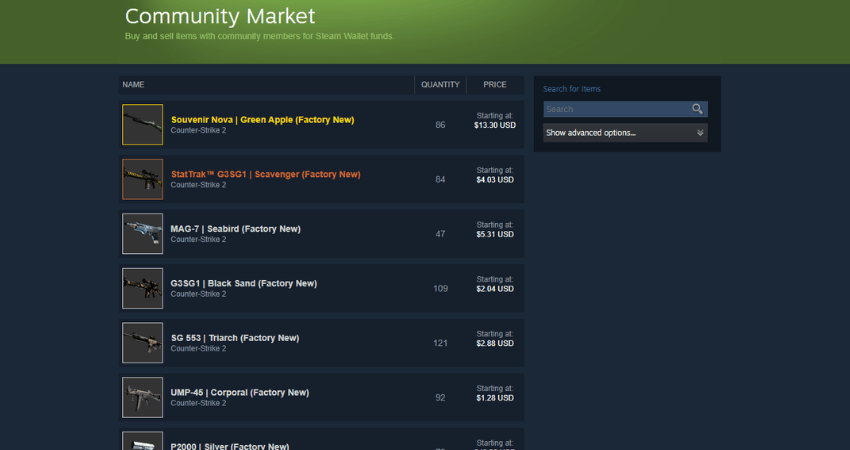
This method is good for convenience, has the lowest friction, and no off-platform payments.
On the other hand, it cashes out to a bank meaning you’ll only get Steam Wallet funds.
| Pros | Cons |
| Built into Steam; simple flow | ~15% total fee for CS2 items (5% Steam + 10% CS2 fee) |
| Buyer/seller protections by Steam | Wallet funds only; cannot withdraw as cash |
| Price graph + 30-day median helps pricing | Subject to Steam trade/market restrictions & holds |
Steam Transaction Fee is 5%, and CS2 has a game-specific 10% fee, totalling around 15% per sale. Proceeds are credited to your Steam Wallet, which is non-refundable/non-transferable, and has no cash value outside of Steam.
Quick steps: Inventory → item → Sell → check 30-day median → set your price → confirm via Steam Guard.
This method is good for direct cash if you personally know the buyer. On the other hand,
transacting with strangers presents a very high scam risk.
| Pros | Cons |
| Can be fast since you control terms. | Scam risk is significant (impersonation, chargebacks). |
| No platform fees to Steam. | Still limited by Steam trade/market restrictions & holds. |
| Flexible pricing. | You must verify identity, timing, and receipts yourself. |
If you insist on escrow, only use it if you fully understand the risks and can verify every step. Valve won’t help with off-platform disputes. See Steam’s scam guide.
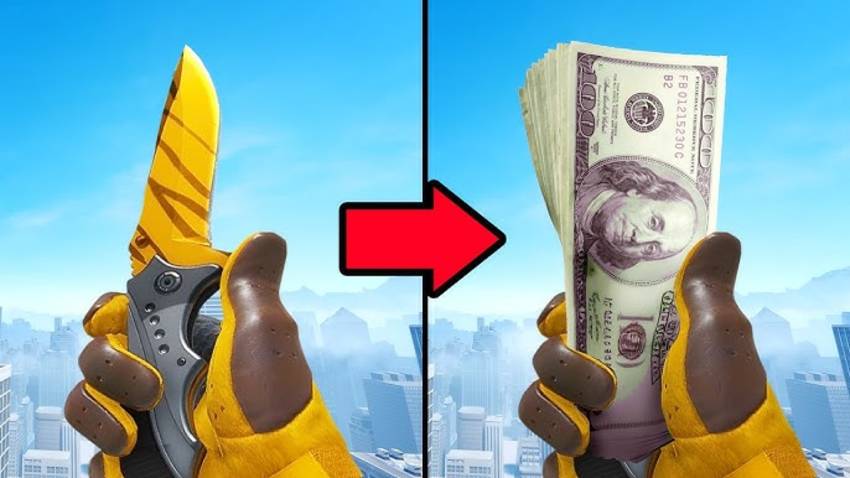
This option is good for cash payouts, often with lower transaction fees than SCM.
On the other hand, it is not a good option for people who don’t want to do KYC or manage extra risk.
| Pros | Cons |
| Cash to card/bank/crypto (varies by site & region) | Legal/ToS/KYC vary, do your homework |
| Often faster payouts than P2P | Impersonation/phishing risk is real, triple-check URLs |
| Price discovery outside Steam | Still subject to Steam’s trade limits/holds before you withdraw |
Valve doesn’t endorse third-party “free drop” or “get free skins” sites because many are risky or have violate rules. Be cautious not to connect your account without a security check.
On Steam Community Market:
Example (rounded):
| Buyer pays | Fees (≈15%) | You receive (Steam Wallet) |
| $10.00 | $1.50 | $8.50 |
A trade hold is a temporary delay before items move between accounts. It exists to protect you if an account gets hijacked.
To be safe, enable the mobile app early, keep it active, and avoid security changes when you plan to trade.
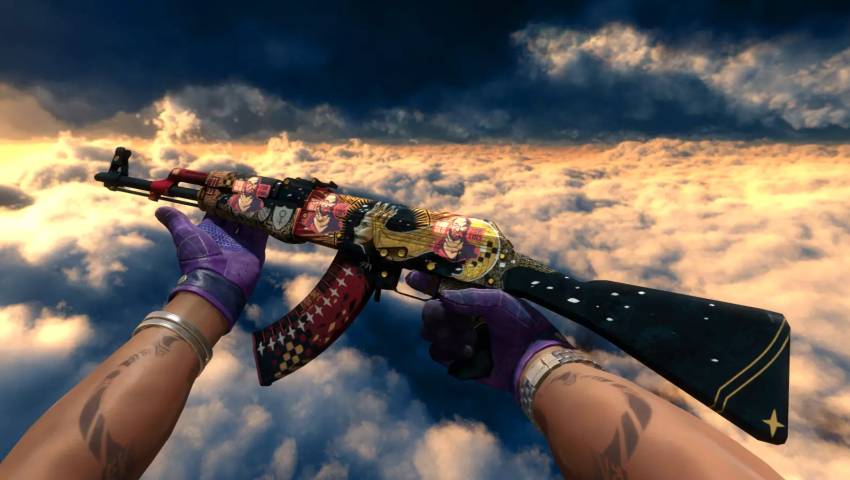
Valve introduced new trade protection for CS2 in 2026. You can reverse eligible trades within 7 days directly from your trade history. During that 7-day window, items in those trades are marked trade protected. They can be equipped in-game, but not re-traded or consumed. If you reverse, all protected trades from the last 7 days will roll back, and your account will be subject to a 30-day trade/market restriction.
To locate trade protection, open Steam then go to Trade History from your Inventory/Trade Offers view. If eligible, you’ll see the Trade Protection option on recent trades. Note that trades before Trade Protection existed aren’t eligible for reversal.
Making money from CS2 skins involves Valve selecting the best Workshop designs for official cases. As a creator, you then receive a slice of key sales and market trades. This roughly ten percent cut means your artwork can pay off, and this guide explains how Valve compensates its creators.
Faceit CS2 provides a dedicated platform for players to improve their competitive skills by playing high-stakes matches against the most formidable opponents. Here's how to get started playing CS2 on Faceit.



![Mastering the Jumpthrow Bind in CS2: Guide for [year]](/imgs/news_8184/20250403/cache/1743689035_437c3a5edc5234b6e222___308_174.jpg "Mastering the Jumpthrow Bind in CS2: Guide for [year]")
![Gamdom Withdrawal Guide: Crypto Cashout, Verification, Limits and Fees ([year])](/imgs/news_8777/20260626/cache/1782504192_35ff401a00b17404f22d___308_174.png "Gamdom Withdrawal Guide: Crypto Cashout, Verification, Limits and Fees ([year])")
![How To Play FACEIT CS2 in [year]](/imgs/news_8158/20250307/cache/1741351818_4c98890c4ae4e63cb0cc___308_174.jpg "How To Play FACEIT CS2 in [year]")