Previously, the developer worked on a Source mod for the medieval-themed video game Pirates, Vikings & Knights 2, which pits three teams against one another. Therefore, the idea to create map for CS:GO with "Egypt style" details was born after these projects.

Map designer Roald van der Scheuer talked about the history of Anubis and the deal with Valve. In an interview with HLTV, the Dutchman admitted that the map was based on previous developments related to the multiplayer game Pirates, Vikings, & Knights 2.
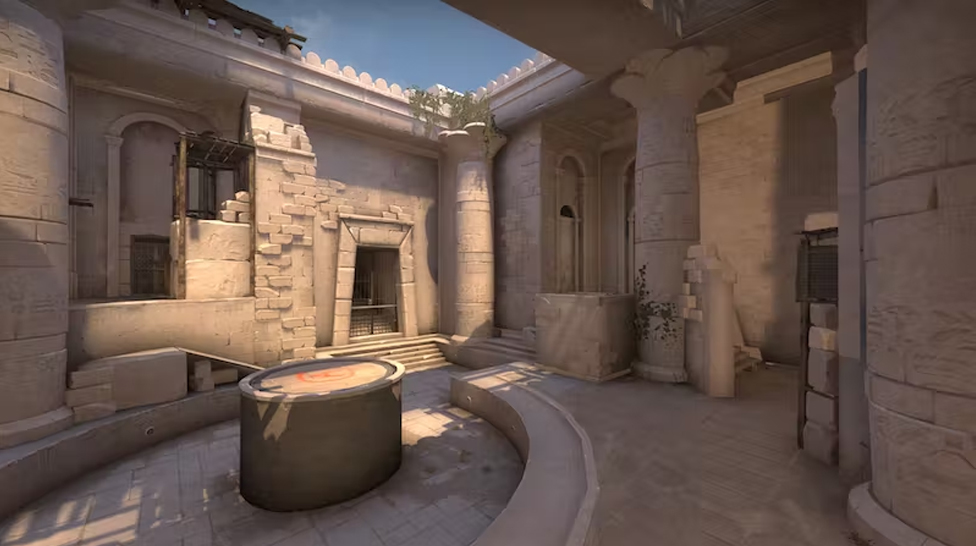
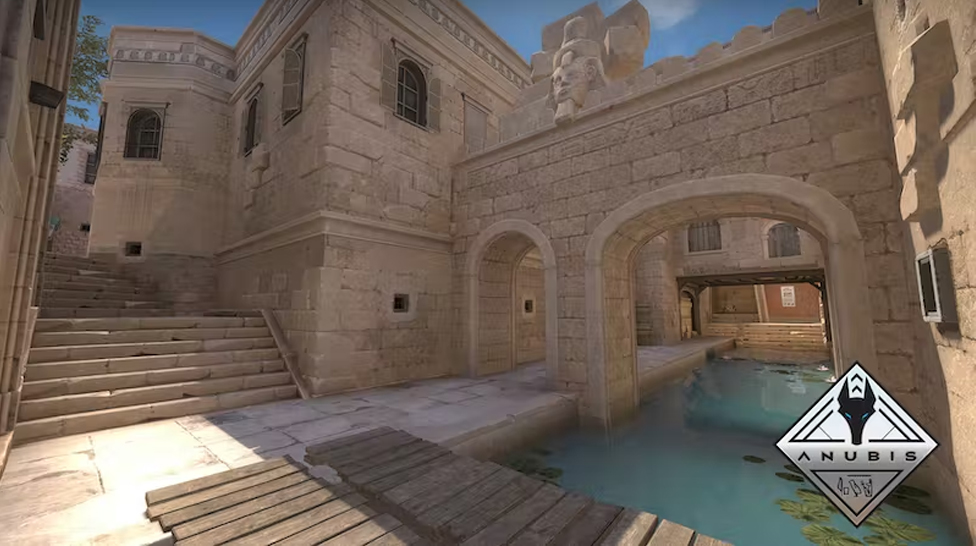
Anubis originally appeared in CS:GO in April 2020, but was removed from the game a year later. After that, Valve contacted the three developers of the map and offered to buy the rights to it. According to Scheuer, he was the only team member who doubted the correctness of the decision.
He was embarrassed that the money received would not be so big, especially when compared with the proceeds of the creators of the skins. Nevertheless, Scheuer did not see an alternative since he risked not earning anything on the map.
The map designer did not disclose the details of the agreement with Valve. However, he stated that while a map is in the game daily, Valve charges its creators a certain amount. The earnings generated from the sale of Anubis are approximately the same as the card's earnings from Normal mode for two years.
HLTV representatives tried to contact another developer to find out how much Valve is paying per day for the map. He declined to answer the question, noting that this condition was protected by a non-disclosure agreement.
Earlier, Astralis hired an analyst who "sold" the tactics of his own team. Nikolai HUNDEN Petersen became the chief analyst of Astralis. Previously, Peter casle Ardenskjold replaced Martin trace Heldt as head coach, while Frederik LOMME Nielsen left his position as an analyst. The official signing of the controversial specialist comes just over a month after ESIC lifted Nicolai's August 2021 ban for passing confidential information to Astralis on their rivals on the Danish Heroic scene.
Rollbit is an awesome crypto-casino where you can win big money playing casino games, trade crypto, buy and sell NFTs, and place sports bets. Sounds really tempting, and anyone who hasn't tried it yet is probably itching to test their luck on Rollbit. But how can people in the USA use this platform, and what should you do if you face access restrictions? Spoiler: there's a solution!



![Rainbet Bonus Guide: Promo Codes, Free Bets, Wagering Rules & VIP Rewards ([year])](/imgs/news_8755/20260612/cache/1781287898_7f03442e97855e3d54de___308_174.png "Rainbet Bonus Guide: Promo Codes, Free Bets, Wagering Rules & VIP Rewards ([year])")
![Is CSGORoll Legit and Safe in [year]?](/imgs/news_8240/20250620/cache/1750408140_0f7026fdc044d94f9fb4___308_174.jpg "Is CSGORoll Legit and Safe in [year]?")
![Best Hellcase Cases to Open in [year] (Plus How Daily & Free Cases Work)](/imgs/news_8544/20260126/cache/1769441143_0819388b53132a64c346___308_174.jpg "Best Hellcase Cases to Open in [year] (Plus How Daily & Free Cases Work)")