
StarLadder, the renowned esports organization, has officially announced details for the upcoming StarSeries Season 20. In a surprising turn of events, the organization has also cancelled its Spring event, drawing attention from fans and competitors alike. This move sparks discussions on the future format and scheduling of major esports tournaments.

In a highly anticipated announcement, StarLadder has finally provided eager fans and participants with key details about StarSeries Season 20. Despite the excitement surrounding this reveal, it was accompanied by unexpected news - the cancellation of their traditional Spring event. This decision has left many pondering the reasons behind such a significant adjustment to their usual tournament schedule.
The cancellation of the Spring event is attributed to several factors including logistical challenges and overarching strategies to enhance future tournament experiences. Although specific reasons were not extensively detailed by StarLadder, it's clear that this move aims to recalibrate their resources and focus on delivering an unparalleled competitive experience in other quarters.
The much-anticipated Season 20 promises to bring some exciting innovations and features according to early information released by StarLadder. While comprehensive details regarding formats, participating teams, and exact schedules are still under wraps, anticipation continues to build among both players and fans.
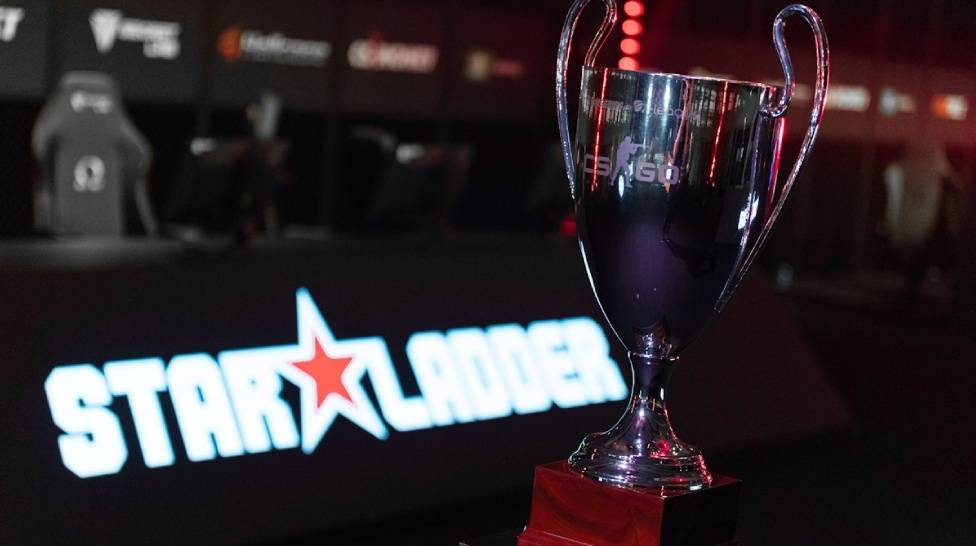
As one of the keystones in esports tournaments worldwide, StarSeries has consistently raised bars in competitive gaming standards. With each season surpassing its predecessor in terms of production quality and viewership statistics,, these new developments surroundingSeason 20 suggest an ongoing commitment to excellence within e-sports leagues.
The abrupt cancellation of a major event like the Spring tournament brings about mixed reactions among participating teams and their supporters. While some view it as an opportunity for players to rest and strategize for forthcoming competitions others express disappointment over missing out on what has been a highly anticipated fixture in their professional calendar.
In conclusion, StarLadder's decision to revamp its seasonal offering represents not just an operational shift but reflects larger industry trends towards optimizing competitive gaming landscapes.To stay updated with more information onStarSeries Season 20and other related announcements, enthusiasts are encouraged to closely follow official channels.

Can you really win actual money playing CS2 slots? Short answer: yes. Long answer? It depends on where you play, how you manage your bets, and how lucky you are. In 2025, a growing number of CS2-themed gambling platforms offer slot games that not only look amazing but also offer real cash or skin payouts.
In this guide, we’ll break down exactly what CS2 slots are, how they work, the top platforms to play on, strategies to boost your chances, and how to safely cash out your winnings. Let’s get you spinning for real.
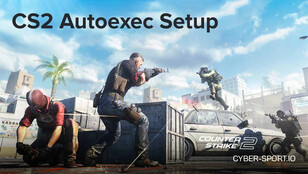
Every CS2 player has their own quirks and unique settings, from custom key binds to unconventional video configurations. Manually adjusting these every time can be tedious. However, using config files, you can automate the process effortlessly. Here’s how to create a CFG file and set up an autoexec function in CS2.