


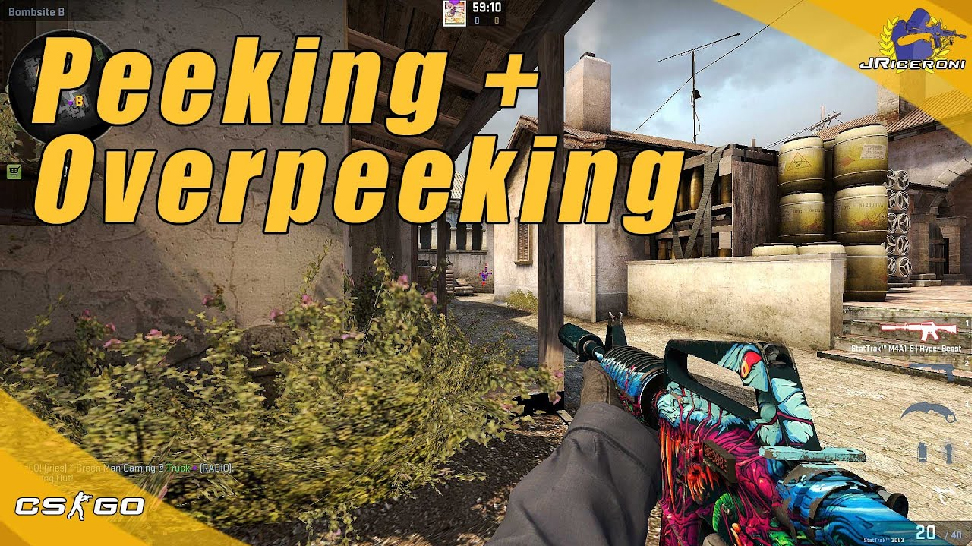

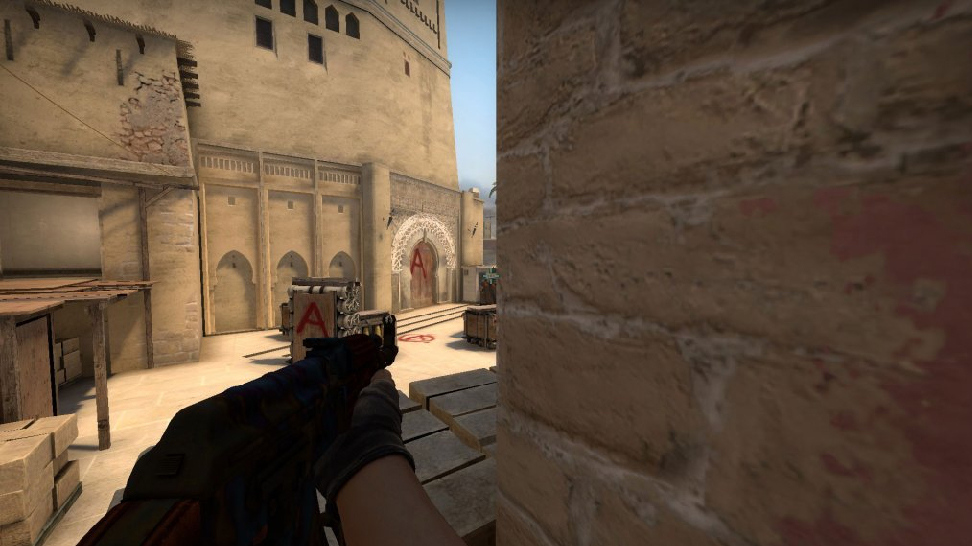
Peek is a quick lunge to see the enemy's position and hide immediately afterward. This is an aggressive move that can turn the game around. This technique gives many new opportunities and superiority over the enemy. Peeking in CS:GO means quickly peeking out from behind a wall, from around a corner. The main task is to quickly see the opponent and kill him or collect information about the opponent's location. In CS:GO, every second is essential, so any peek can be fatal for a player.
The first type is "collection of information". In this case, while in cover, the player makes a quick lunge out of the wall and collects information about the enemy. That is a significant move because you can't just sit behind a barrier for the whole round. The more information you order, the easier it will be for your team to win the round.
The second type is “killing the enemy”. In this case, you must know where the opponent is. You need to lunge and immediately start shooting at the position where the enemy is. If you killed the enemy or failed, quickly hide behind that wall. That is a risky but much-needed move.
The last type of peeking is combined. To do this, the players learn the default positions of the players. Experienced players use this move as it takes a long time to practice. It would help if you had an excellent reaction and mouse-pointing coordination.
Learning how to peek correctly in CS:GO would be best. The right peek you a significant advantage.
First, you must understand the psychology of the player who peeks and the opponent. When you sit in one place behind the wall - you lose concentration. Your focus deteriorates, and the enemy who makes the peek kills you. After several such deaths, you begin to get nervous and afraid. You cease to occupy influential positions and control the map. Then there will be a psychological dominance of one team over another. End. Because of this, professional players are always trying to peek and move.
Everyone makes mistakes, but you need to understand that mistakes are good. You must be able to analyze your mistakes. That is the basis of your mastery progress. You will become a more experienced player who can quickly adapt to the situation.
Peek techniques in CS:GO. There are several, and you need to use them depending on the situation. A beginner cannot peek around the corner in half a second, notice the enemy, and immediately kill him. This requires experience and practice. There are many services and maps created to develop this skill. You must have great aim. You have multiple advantages if you know how to aim and shoot in the head quickly. That will help you during any peek. You need to train and not make a big lunge. The lunge should last no more than half a second.
Hey, CS2 fans! Are you curious about the hottest games featuring those cool Counter-Strike 2 skins? Here, we will explore the best ones to show off your CS2 skins. From crash to casino, here’s a run down for every gamer out there—let’s go!
Withdrawing funds from an online gambling platform can be straightforward if you know the steps, especially when dealing with cryptocurrency. This Rainbet withdrawal guide walks you through the process, explains verification requirements, and highlights common issues users may face.
Make sure to check Rainbet’s latest policies before making a withdrawal, as processing times, limits, and available methods can change.



![How to Access and Play Duelbits in the USA Safely ([year])](/imgs/news_8205/20250507/cache/1746623340_435e1834fe214a3f70db___308_174.jpg "How to Access and Play Duelbits in the USA Safely ([year])")
![What Is Gamdom? Legitimacy, Ownership & Availability Guide ([year])](/imgs/news_8707/20260518/cache/1779104224_0fe055d4485597332592___308_174.png "What Is Gamdom? Legitimacy, Ownership & Availability Guide ([year])")
![Rainbet Withdrawal Guide: Crypto Cashout, KYC, Limits & Common Problems ([year])](/imgs/news_8744/20260605/cache/1780673033_4467864dc106b3aa774d___308_174.jpg "Rainbet Withdrawal Guide: Crypto Cashout, KYC, Limits & Common Problems ([year])")