


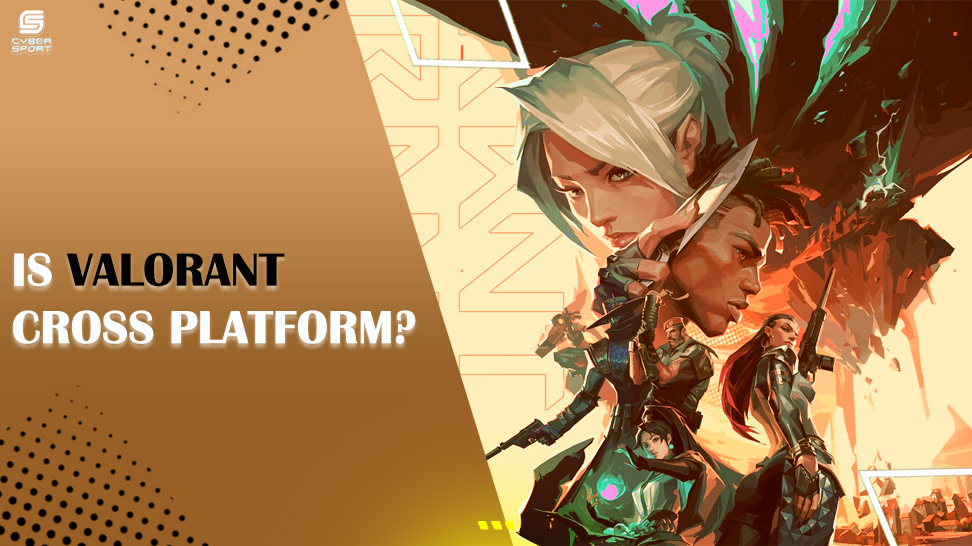

Developed by Riot Games, VALORANT is a free-to-play first-person shooter that will be available on June 2nd, 2020. With over 15 million active players per month since its release, it has seen enormous popularity and quick expansion to become one of the most prominent esports franchises worldwide. Given its enormous popularity, many fans are curious whether VALORANT is cross-platform.
VALORANT crossplay feature is anticipated for the console version. However, Riot will be taking additional measures to improve the game's development so that there are no glitches when it is introduced, so you may have to wait a while before you can play with your console buddies. On the other side, valuable mobile crossplay is significantly less frequent.
What is crossplay, you could be asking some existing VALORANT players? Large gaming companies have included crossplay, also known as cross-platform, into their games to enable friends to play together across several platforms, including PC, Xbox, Playstation, Nintendo, and mobile. Crossplay has been included into the majority of big-name games since it provides players additional incentive to play their game and motivates them to spend more time doing so because they can play with any of their friends without any restrictions.
Overwatch is an example of a game that has strong cross-platform compatibility. The Overwatch cross play mechanism is a significant advantage for Overwatch gamers in the VALORANT vs. Overwatch argument. All Overwatch game modes—aside from Competitive—have crossplay enabled, allowing players to play with their friends anytime they choose. To differentiate between keyboard and mouse players and controller players in Competitive, matchmaking is divided into two pools: one for console players and the other for PC players. One of the finest crossplay games is said to be Overwatch.
Many people want to know if Valorant is cross-platform as well as cross-region. Regrettably, VALORANT no longer has a region picker, and you are locked to the area you have selected, exactly like League of Legends. You will automatically be assigned the Europe region if you made your account in Europe and are unable to play with your pals from other continents.
There is only one method to get around this area lock, however. You must first download a VPN (a free trial will suffice), then set the region to the server you want to use for gaming. You may then create a new account that is restricted to the same area as your VPN and play without any issues with your buddies. Share your experience with Cyber-sport.io. Subscribe and follow the latest eSports news!
With the introduction of a new loadout system in CS2, players are eager to create the best possible loadout to win their competitive matches. Each loadout is customized according to attacking or saving the site, and we crafted the best CS2 loadouts for every situation.


![How to Withdraw Money & Skins from Hellcase: [year] Guide](/imgs/news_8527/20260114/cache/1768392230_15189d4fe9e844e0d85d___308_174.jpg "How to Withdraw Money & Skins from Hellcase: [year] Guide")
![CS2 Hacks in [year]](/imgs/news_8141/20250225/cache/1740476751_5124a41a7ee889d762d0___308_174.jpg "CS2 Hacks in [year]")
![Complete List of CS2 Viewmodel Commands – Optimize Your Setup in [year]](/imgs/news_8166/20250317/cache/1742228858_01423ecd06a0b619da09___308_174.jpg "Complete List of CS2 Viewmodel Commands – Optimize Your Setup in [year]")