
Probably everyone knows what trade in CSGO is, but many newcomers do not know anything about this phenomenon. The primary purpose of trading is to make money. Trade in CS:GO - any scheme of earning money on Steam, particularly in CS:GO.
The whole scheme is the resale of items on the Steam marketplace at a higher price than you bought this item. You can find skins for this with rare floats, stickers, and so on. The skins market works on the same principle as any other. To get income from the exchange and sale of skins, you need to take goods cheaper and sell more expensive ones. That is the main principle and the theme of the article, prepared for you by our eSports Cyber-sport.io authors.
All schemes have not lost their relevance and can bring a good income. For the average newbie, it's best to start by reselling skins. There will work directly with the Steam market, and there will be fewer problems for inexperienced traders. This way, you will understand the basic mechanics of the market and how it works. You will learn about the patterns of item prices and how the demand for items works. Reselling generates good returns, which will help you make more free money for your future investment in Steam items.
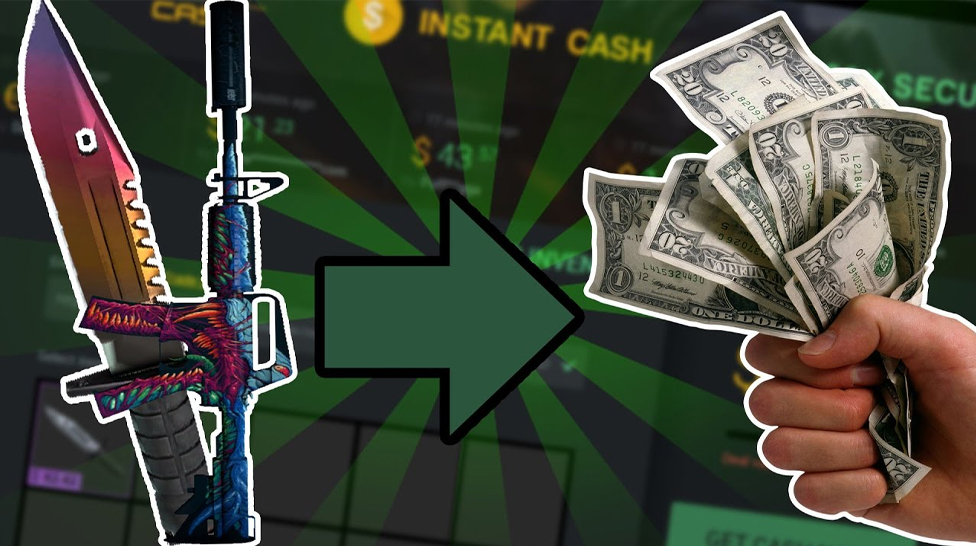
From the personal experience of many traders, it becomes clear that now the scheme with the highest profitability is a trade with roulettes or trade with CSGO markets. It has its problems in the form of bans, account locks on CSGO roulettes, and the likelihood of getting a red plate from the CSGO Market. One session of the roulette scheme can earn x5 profit from the invested amount, but you cannot use a large amount of money like that. You can, in fact, but it will be risky and problematic. On the Steam market, you can use any amount to invest and get a 30-40% profit.
Another profitable scheme is the classic trade. That is an exchange of skins directly with other users. The advantage of this scheme is unlimited investment limits and the simplicity of the scheme, cons - for good earnings, you need at least 60-100 skins with a total value of more than $ 7,000.
To begin with, we must understand how we will rise in the trade. The fact is that there are a vast number of sites that specialize in skins. And we all know that the prices on all these sites cannot be the same; on some sites we can take an item cheaper, and on another site, we can get more money. This is not precisely a resale, but the essence of our tricks is about the same.
You can start from scratch, but it takes more time and experience to make something good out of 0. A more acceptable amount, to begin with, is $15. The more, the better, but $15 is the best start. In a good start, not only start-up capital is essential, but also time. For example, the summer sale on Steam. Dozens of players are starting to sell their skins to buy games.
The supply on the market is growing, because of this, the price is falling - a great chance to acquire a few more skins for the same amount of starting capital. Also, pay attention to price dynamics. For example, AWP Asiimov has been growing in price for several years. On average, skin price rises by 20-25% per year. These are pretty good indicators, meaning the skin can be considered an investment. When you start to succeed - combine schemes, create farms and invest.
How much money did you get investing in CS:GO? Share your minds over Faceit with Cyber-sport.io. Subscribe and follow the latest eSports news!
CS2 is a game that has become popular all over the world. Its gameplay and the numerous tactics players come up with make it one of the most fun games to play with your friends. But some players took this beyond entertainment and friendship – they went pro, with some even managing to win various tournaments. Unless you keep an eye on the professional CS2 world, you may not know who the top players are. But don’t worry – we compiled a list of the best CS2 players so you get to know the best performers.



![Rainbet Esports Betting Guide: CS2, Dota 2, LoL Markets and Odds Explained ([year])](/imgs/news_8769/20260623/cache/1782213768_a7d2b61ff3cdc02999f4___308_174.png "Rainbet Esports Betting Guide: CS2, Dota 2, LoL Markets and Odds Explained ([year])")
![Complete CS2 Console Commands Guide in [year]](/imgs/news_8137/20250221/cache/1740129286_85c513dbe4d81658a4fe___308_174.jpg "Complete CS2 Console Commands Guide in [year]")