Update 7.33 was released on the night of April 21st. The game has undergone major landscape and balance changes. In addition, Dota 2 has new mechanics, objects and monsters.

In patch 7.33 for Dota 2, the Observer Ward's range and cast depended on whether the item was in the inventory alone or the same slot as the Sentry Ward. Team Spirit analyst Mark sikle Lerman drew attention to this and shared it on his personal Telegram channel.
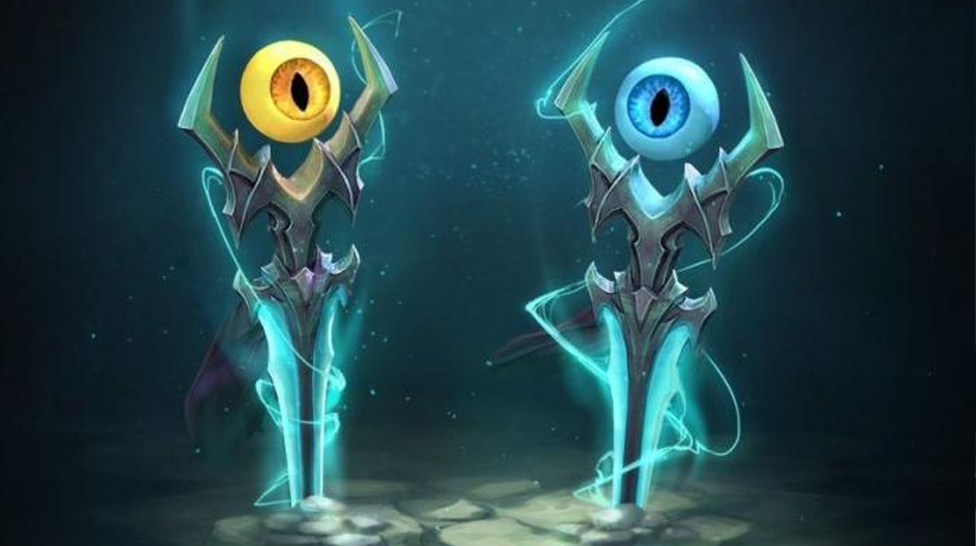
According to sikle, if the Observer Ward is left single in the inventory, its range is 500 units, and the radius of action is 1,600 units. If the item is in the same slot as the Sentry Ward, these numbers decrease - 400 and 1,200 units, respectively.
In addition, Lerman noted that players now can ward to the upper lair of Roshan on the Dire side, which should be prohibited. At the same time, vision cannot be set inside the lower spot on the Radiant side.
Even while it's thrilling to think about new concepts in Dota 2 Update 7.33, it's possible that the game may break rapidly due to the changes' hit-or-miss nature. Players may choose some heroes primarily because of their Shard or Scepter skills since they have strong powers.
Since heroes are no longer restricted to their main job, Dota 2 is, to put it bluntly, diversified. A move this significant will undoubtedly alter the status of the game and is an indication of a viable meta and expands the playing space for distinct playstyles.
Earlier we prepared Dota 7.33 patch New frontiers update: large map and reworked heroes overview. The game may need to be nearly entirely re-learned for players as a result of the many new modifications made by the New Frontiers patch 7.33. Here are our picks for the top six updates to the game.
Every CS2 player has their own quirks and unique settings, from custom key binds to unconventional video configurations. Manually adjusting these every time can be tedious. However, using config files, you can automate the process effortlessly. Here’s how to create a CFG file and set up an autoexec function in CS2.
CS2 is home to thousands of fantastic skins, and we’re often faced with difficult decisions as to which skin is worth buying and which one is worth using. Skin inspect servers allow players to preview any skin, test animations, and see how they look in different lighting conditions. So, here’s how to access skin inspect servers and review skins before you make a purchase.




![Complete List of CS2 Viewmodel Commands – Optimize Your Setup in [year]](/imgs/news_8166/20250317/cache/1742228858_01423ecd06a0b619da09___308_174.jpg "Complete List of CS2 Viewmodel Commands – Optimize Your Setup in [year]")