


You will not always have four good teammates with whom you can adequately adapt to the game. How often do you play together with your friend? In this article, you will learn about tactics, secrets, and playing matchups that will help you win. In this part, everything will take place on Mirage. You and a friend are playing together. Mirage. CT side. Check this out. For an easy explanation, let's call two players, Johnny and Tommy.
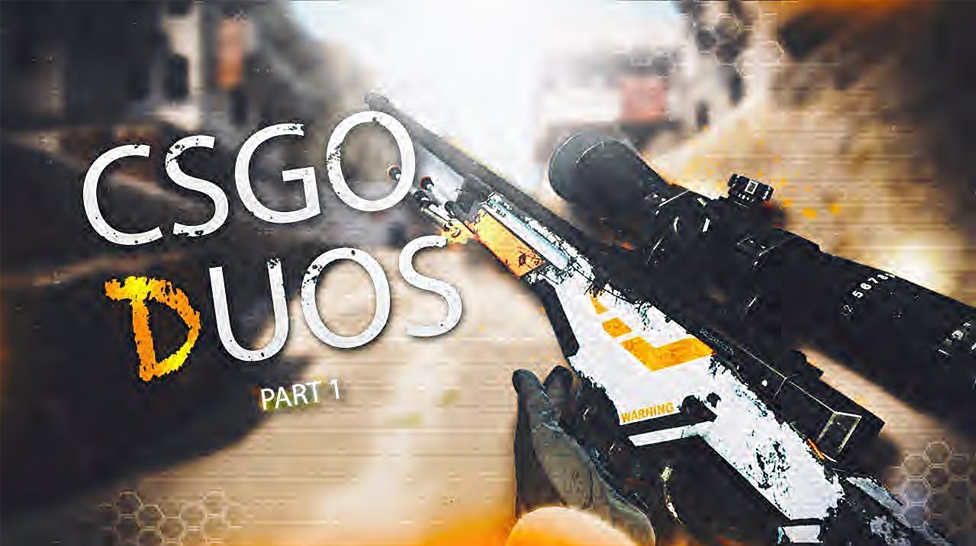

Two teammates go to bombsite B through the Market. Johnny stands on the Help point and boosts Tommy to the Apps. After that, Tommy hides on the right side of the entrance to Apps, and Johnny goes to the Market window to throw an instant flash grenade. As soon as Tommy gives information about the enemies in the Apps, Jony throws a flash grenade and runs closer to throw another grenade deeper into the corridor. During this time, Tomy picks blind opponents and kills everyone he sees.
Underground is dead
Tommy is in the Jungle waiting for information about the enemies in the Underground. Johnny runs through the Jungle, jumps into the Underground, throws smoke on the steps behind him, and hides in his right pocket. He throws a flash grenade through a window in the Underground, and Johnny kills blind opponents. The plan has been completed.
For this tactic, Johnny and Tommy run through the Jungle together and jump out the window. They become under Short. Tommy throws smoke in the lower left corner and crouches. Johnny jumps on him. The smoke will cover Johnny's head, and opponents who enter the Mid will not see him. Johnny kills opponents.
Johnny throws smoke at the Palace and walks closer to the Ramp. Tommy, already standing under the Palace, throws smoke at the Ramp. Johnny throws an instant Flash Grenade into the smoke at the Ramp. Tommy makes a perfect push into Ramp and kills blind opponents. If no enemies are found or fail to kill, Johnny throws another flash grenade deep into the Ramp.
This tactic is an alternative to the previous tactic. Johnny walks closer to the Ramp as Tommy throws a one-way molly at the Ramp. Tommy throws an instant flash grenade, and Johnny kills blind opponents through a one-way molotov.
This tactic is used if the opponent sits in Mid on a chair. Johnny is in the Jungle throwing a Molotov cocktail at the Chair, and Tommy is on the Short throwing a frag grenade at the enemy. Two players' actions must co-occur to kill the enemy successfully.
Tommy runs to bombsite A and jumps on the boxes. After that, he jumps into the Palace for a future breakthrough and waits for the actions of an ally. Johnny throws fire at Ramp and steps on Stairs. Johnny throws an instant flash grenade at the Palace, and Tommy kills the blind opponents.
With this tactic, you can kill opponents who want to enter the Mid or limit the opponents' access to this part of the map. Tommy runs through the Jungle and jumps out the window. Johnny stands on CT and throws smoke deep into Topmid. Tommy goes under the left wall and throws smoke behind the boxes. Tommy kills the enemy or controls this part of the map, limiting opponents' actions.
CS2 is home to thousands of fantastic skins, and we’re often faced with difficult decisions as to which skin is worth buying and which one is worth using. Skin inspect servers allow players to preview any skin, test animations, and see how they look in different lighting conditions. So, here’s how to access skin inspect servers and review skins before you make a purchase.
Esports has grown from a niche hobby into a global entertainment industry. Today, major tournaments in Counter-Strike 2, Dota 2, and League of Legends attract millions of viewers, sell out arenas, and generate betting interest similar to traditional sports.



![How to Win Real Money Online with CS2 Slots (Guide [year])](/imgs/news_8209/20250512/cache/1747040856_c87646d19a667fd9d63c___308_174.jpg "How to Win Real Money Online with CS2 Slots (Guide [year])")
![How to Access and Play Duelbits in the USA Safely ([year])](/imgs/news_8205/20250507/cache/1746623340_435e1834fe214a3f70db___308_174.jpg "How to Access and Play Duelbits in the USA Safely ([year])")
![Rainbet Esports Betting Guide: CS2, Dota 2, LoL Markets and Odds Explained ([year])](/imgs/news_8769/20260623/cache/1782213768_a7d2b61ff3cdc02999f4___308_174.png "Rainbet Esports Betting Guide: CS2, Dota 2, LoL Markets and Odds Explained ([year])")