


CS2 replaced CS:GO in 2023, with a substantial range of changes, chief among them the implementation of Sub-Tick networking that completely alters how input and tick rate are handled. It is a significant development, and in case you are still using the launch strings of old CS:GO or just thinking of 128-tick servers, you should reset your expectations. This is where this guide comes in handy, as we’ll go over the best settings for CS2 in 2026.
![CS2 Pro Settings Guide: Mouse, Crosshair, Video & Sub-Tick ([month] [year])](/imgs/news_5146/20251003/1759492001_d23412c1547c168e54a4.jpg)

Before you dive into the deep end of settings, there are a few things that should be your immediate focus:
Remember, the goal is to maintain simplicity. Do not make it too complicated. Let's dive in.
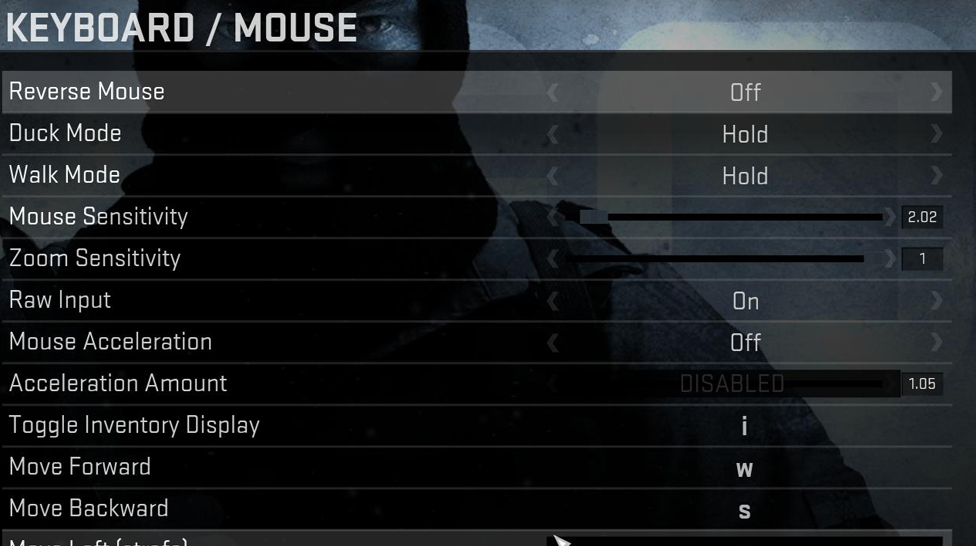
When it comes to mouse settings, pro players are a mixed bag. There’s no one-size-fits-all answer. For starters, eDPI (which is simply your mouse DPI multiplied by your in-game sensitivity) is your best friend. While some pros like low eDPI for pixel-perfect accuracy, others take something higher in exchange for better reactions.
Remember, though, that these are ranges rather than strict guidelines. The secret to locating your perfect eDPI is personal experimentation. The more time you can practice with your settings, the less forced they’ll feel. To determine your effective DPI, multiply your mouse DPI by your in-game sensitivity (eDPI = DPI x Sensitivity). To get the best tuning for you, test using the 180° flicks drill and bot headshots on a workshop map.
Your crosshair may seem like a small detail, but it can make a huge difference in your playstyle. CS2 allows importing and exporting crosshairs by unique share codes, which is a nice addition if you want to recreate a particular pro setup or simply experiment.
To import the share codes, follow Settings → Game → Crosshair → Share/Import Code. Check out the CS2 community or pro settings for more codes to test. But again, it’s all about what feels comfortable. Your crosshair is like an extension of your hand, so don’t be afraid to try new things.
The visual quality of CS2 and the available performance settings are surprisingly flexible. However, you will need to adjust a couple of details to achieve high FPS. A 4:3 stretched resolution is popular with many pros as it makes the enemy model wider, making it easier to locate targets. However, if you’re purely playing for precision, opt for 16:9 to take advantage of the widest-angle view possible.
Note that Sub-Tick improvements have made the game smoother, so optimizing your FPS is less critical with CS2.
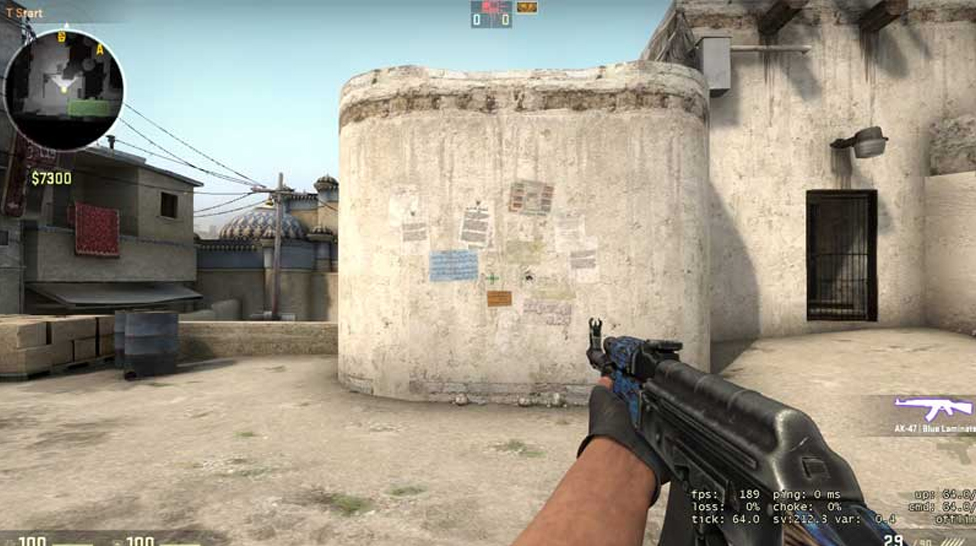
In 2026, you’re pretty much safe to leave your CS2 launch options empty or just use the essentials. Here are the recommended safe flags:
Here’s what you don’t need anymore:
Do:
Don’t:
Keep things light with your launch options. Performance should be solid without trying to overcomplicate it.
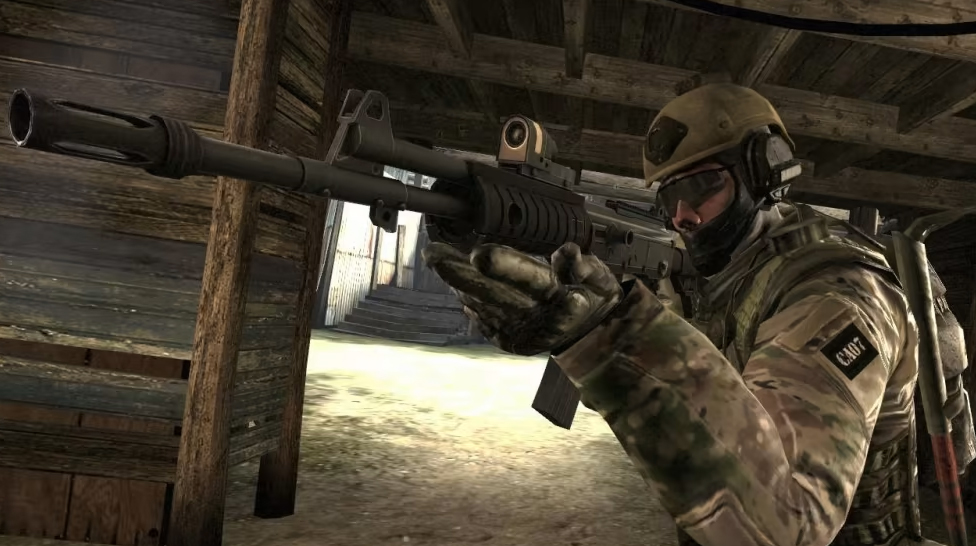
Like many top-tier pros, NiKo doesn’t fuss much with launch options. He tends to run 4:3 stretched for better target visibility and consistency. But remember, his setup changes frequently, and his choices are often tailored to specific tournaments or conditions.
Takeaway: Use his settings as a reference, not a strict rule. Pro players often tweak their settings based on personal preference and tournament environment. If you’re looking for more pro case studies, there's a ton of variation. Settings evolve quickly.
Sub-Tick technology is a game-changer for CS2, and it's worth understanding how it affects your settings:
In short: Your in-game settings matter more than ever. Focus on finding what works for your playstyle, not what the “old-timers” recommended.
Finding the perfect skin for CS:GO, whether that’s for a knife or a rifle, can be difficult. With so many options, picking only one becomes quite challenging, especially considering the price tag. Let’s see the most expensive CS2 skin so you know what to expect if you want to go for rare skins.
Esports has grown from a niche hobby into a global entertainment industry. Today, major tournaments in Counter-Strike 2, Dota 2, and League of Legends attract millions of viewers, sell out arenas, and generate betting interest similar to traditional sports.


![Bitstarz: US Players Acceptance at Bitstarz Casino in [year]](/imgs/news_8182/20250402/cache/1743606835_1a1236a2775ca0ab1ab0___308_174.jpg "Bitstarz: US Players Acceptance at Bitstarz Casino in [year]")
![How Much do CS2 Skin Creators Make ([year])](/imgs/news_8215/20250523/cache/1747990827_4b80ecb4a61c51b349b9___308_174.jpg "How Much do CS2 Skin Creators Make ([year])")
![Rainbet Esports Betting Guide: CS2, Dota 2, LoL Markets and Odds Explained ([year])](/imgs/news_8769/20260623/cache/1782213768_a7d2b61ff3cdc02999f4___308_174.png "Rainbet Esports Betting Guide: CS2, Dota 2, LoL Markets and Odds Explained ([year])")